Main hub: Visio Data Visualizer. Process mapping hub: Visio process mapping.
One process model, many views (Pt. 3 of 3)
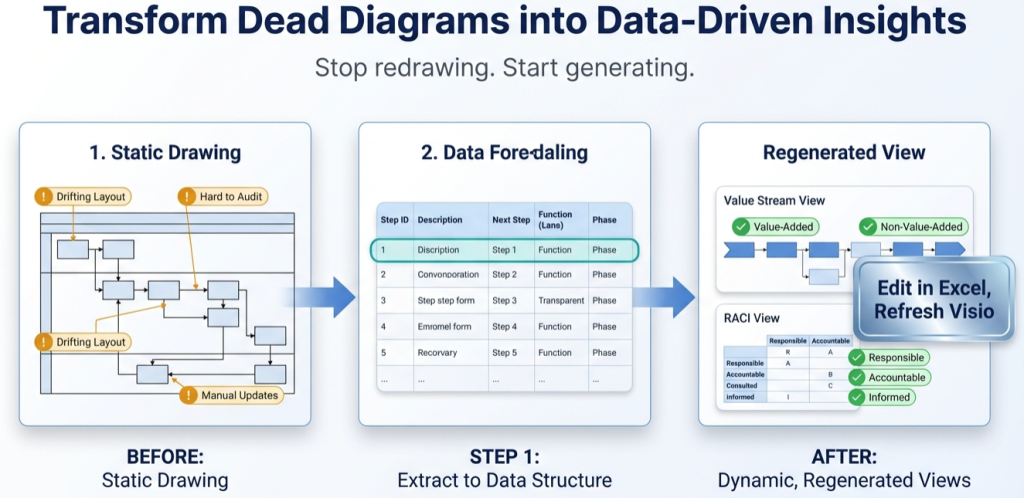
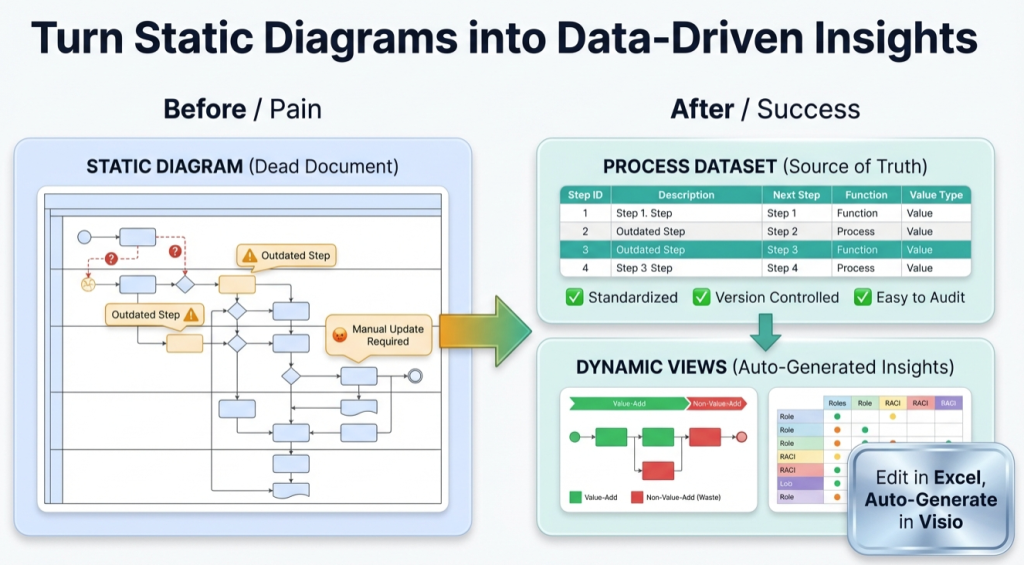
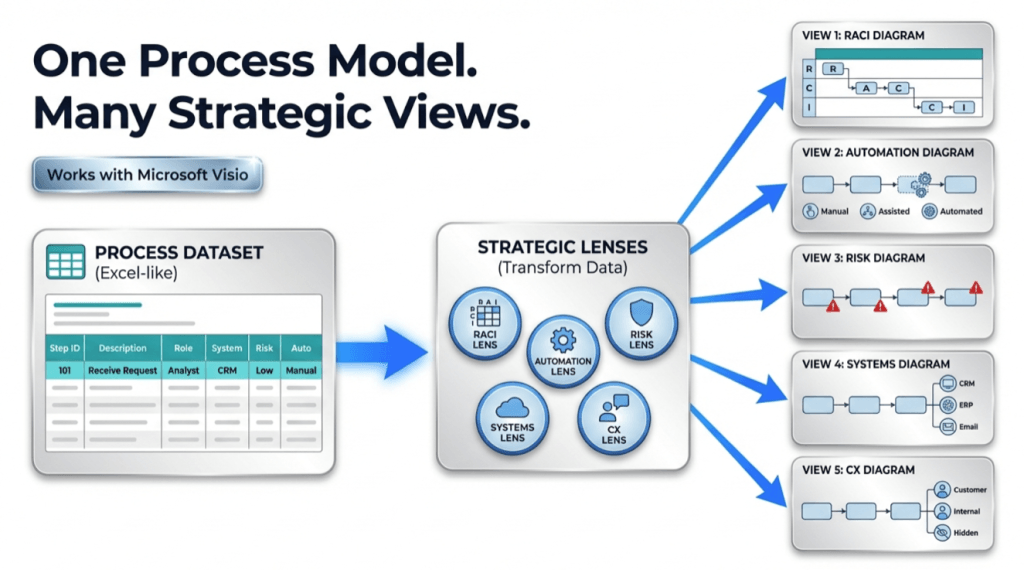
The most expensive process mapping activity is not drawing. It is redraw. One process model, many views removes the redraw tax by keeping the process as a dataset and generating diagrams as views.
- Pt. 1: process diagram to process data
- Pt. 2: the value stream lens
- Pt. 3: one process model, many views (this page)
Model, view, lens
This is the simplest framing that prevents diagram sprawl.
| Concept | What it is | Why it matters |
|---|---|---|
| Model | The canonical dataset (the process as data) | It can be validated, versioned, governed, and analyzed |
| View | A Visio diagram generated from that dataset | It can be regenerated whenever the data changes |
| Lens | A controlled reclassification for a specific question | It produces decision-ready variants without redrawing |
The core promise is maintainability: new viewpoints without paying the redraw tax.
What must stay stable
Multi-view only works if the underlying process model stays stable. These fields are the anchor points.
- Process Step ID – unique and durable
- Next Step ID – defines connections and branching
- Shape Type – consistent semantics (Start, Process, Decision, End)
For the strict dataset rules, see: Data Visualizer dataset format.
The workflow that scales
- Create the canonical dataset. Start small and prove the round-trip.
- Render the baseline view. Use the cross-functional Data Visualizer template.
- Create lens datasets. Copies or derived tables, keeping IDs and connections stable.
- Render lens views. Import the lens datasets to generate the variants.
- Quantify. Use Excel pivots and counts to prioritize action.
Fast validation: import 20 steps, then change 1 row and refresh the diagram. That round-trip is the moment the map becomes a maintained model.
High-value lenses to start with
Lens selection should match the decisions the business needs to make. These are the fastest-to-value lenses that also map cleanly to a dataset-first workflow.
| Lens | Business question it answers | How the dataset changes |
|---|---|---|
| Value stream lens | Where is delay, waste, and rework concentrated? | Function = VA/BVA/NVA, Phase = Active/Waiting/Rework |
| Governance lens (RACI – Responsible, Accountable, Consulted, Informed) | Who owns each step and where approvals slow the flow? | Function = Accountable role (or RACI role by step) |
| Systems lens | Where are the manual handoffs and “swivel chair” steps? | Function = system of record or tool used per step |
| Automation lens | What should be automated first and what should not? | Function = automation potential (high/medium/low) |
Lens pages: value stream mapping and RACI.
Governance that keeps it real
Multi-view modeling fails when the model is not governed. Governance does not need heavyweight tooling, but it does need discipline.
- Stable Step IDs – never renumber the process every edit.
- Change notes – log what changed and why (even a simple “notes” column helps).
- Controlled templates – use one approved dataset format so imports are predictable.
- Review cadence – publish a lightweight cycle (monthly or quarterly) so reality does not drift.
The result is a system of record that can generate both detailed operational views and executive summary views from the same model.
Recommended next steps
FAQ
Is this viewpoint-based process modeling?
Yes. The approach maintains one canonical process model (the dataset) and generates multiple views by applying different classifications (lenses) without changing the underlying steps and connections.
Does this replace enterprise process repository tools?
It can replace redraw-based process documentation for many teams, especially when the goal is maintainable documentation plus multi-view analysis. Enterprise repository tools may still be needed for deep taxonomy enforcement and complex governance workflows.
What makes this work with lightweight tooling?
Stable Step IDs and stable Next Step connections. Once those are disciplined, lenses become reclassification work, not redraw work.
What usually breaks multi-view adoption?
Renumbering Step IDs, inconsistent naming, and datasets that do not reliably import. Use import troubleshooting and keep one controlled dataset format.
Microsoft, Visio, and Excel are trademarks of Microsoft. This site describes an independent tool and is not affiliated with Microsoft.