
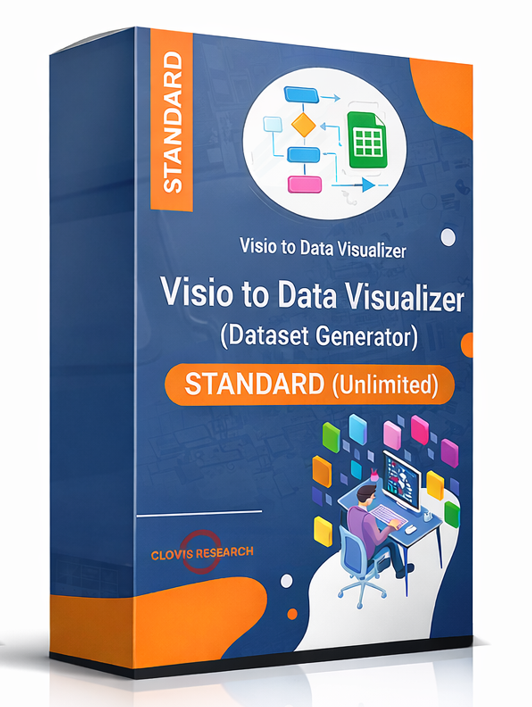
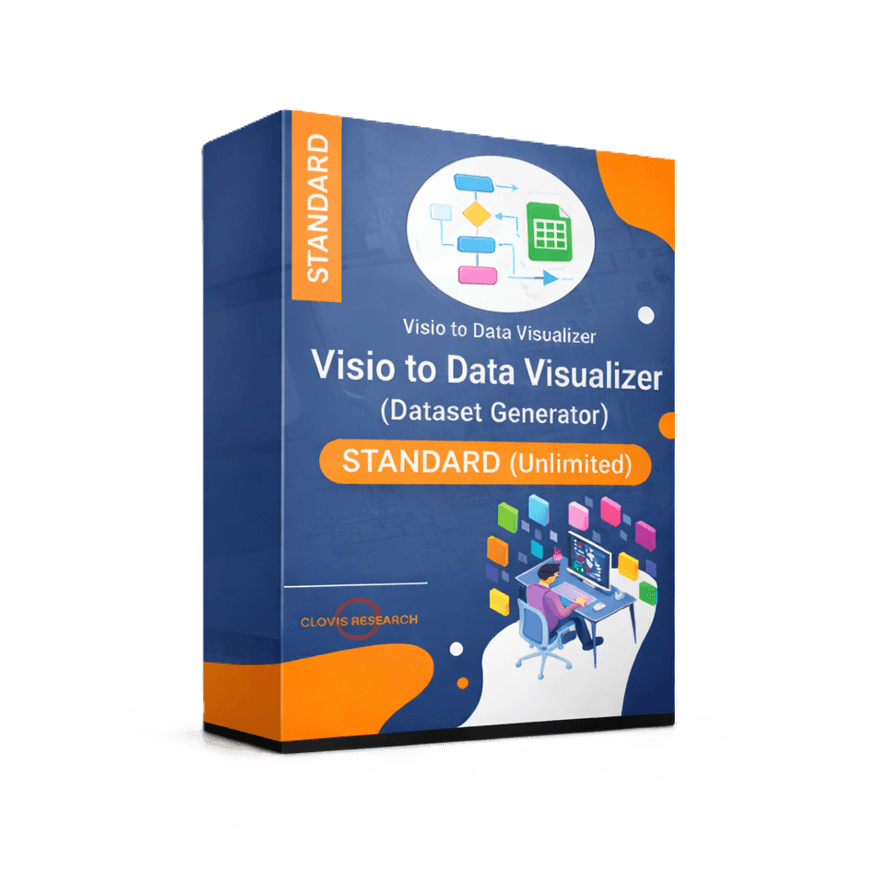
Visio Data Visualizer Dataset Generator – Standard (Unlimited)
Convert an existing Visio cross-functional flowchart into a Data Visualizer-ready dataset,
so the process can be audited and updated in Excel and then re-rendered as a consistent swimlane diagram.
Windows
Instant download (ZIP)
$149
30-day refund policy
The generator runs locally on Windows. Your diagram and dataset stay on your machine unless you choose to share them.
On this page
What Standard does
Standard turns an existing swimlane diagram into a dataset that can be maintained like a system of record.
- Export a Data Visualizer-ready dataset from an existing Visio diagram
- Edit the dataset in Excel (fast updates, easy review, easy versioning)
- Import into Visio Data Visualizer to regenerate a clean, consistent diagram linked to the data
Most buyers start with the evaluation path first:
Download Lite.
How it works (diagram – dataset – diagram)
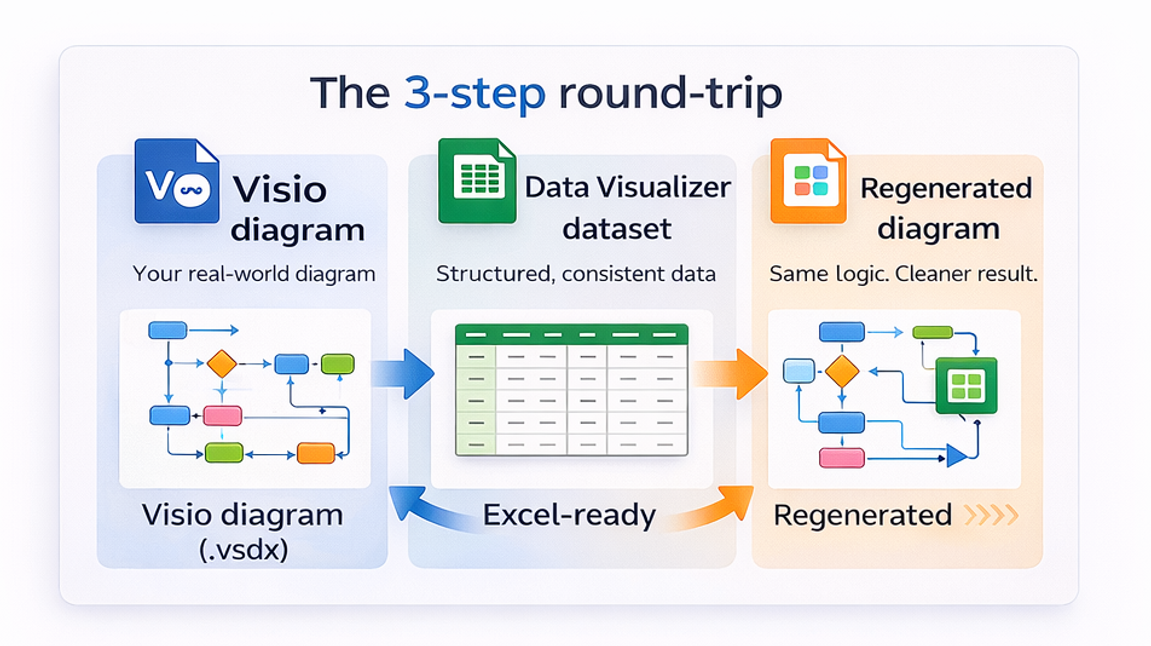
- Start with a real diagram (Visio cross-functional flowchart with swimlanes and phases).
- Generate the dataset (step IDs, descriptions, next-step links, lane and phase values).
- Import into Data Visualizer so Visio renders a diagram linked to that dataset.
- Maintain updates in Excel and refresh the diagram when the process changes.
For strict dataset rules (headers, allowed shape types, no blank lines), use:
dataset format.
What teams use it for
- Stop redraw work: update the table, not the diagram.
- Audit a process map: find approvals, handoffs, loops, and rework patterns in Excel.
- Standardize documentation: consistent step naming and predictable structure.
- Create analysis views: classify steps by value, ownership, risk, automation readiness, or system touchpoints.
- AI-ready analysis: analyze the dataset with AI instead of uploading screenshots.
Lite vs Standard
| Feature | Lite | Standard |
|---|---|---|
| Step limit | First 20 steps | Unlimited |
| Best use | Validate workflow on a real file | Convert full diagrams and maintain them over time |
| Platform | Windows | Windows |
| Price | Free (email opt-in) | $149 |
Download and first run
- Purchase Standard (button above).
- Download the ZIP from this page after checkout (and from the email receipt).
- Unzip and run the Windows executable.
- Select a .vsdx cross-functional flowchart and generate the dataset.
Install issue or dataset import issue? Reply to the purchase email or use:
import troubleshooting.
Refund policy: 30-day refund policy.
FAQ
What diagrams does Standard work best with?
The best fit is a Visio cross-functional flowchart (swimlane diagram) where steps connect using standard connectors,
and where functions (lanes) and phases (columns) can be represented in a dataset.
Does Standard upload files anywhere?
No. Standard runs locally on Windows. Your diagram and dataset stay on your machine unless you choose to share them.
What is a Data Visualizer dataset?
It is a tabular file (often edited in Excel) that contains step IDs, step descriptions, and next-step links. Visio Data Visualizer can import that dataset to generate a diagram linked to the data.
What should be done if Visio rejects the dataset import?
Most failures are dataset validation issues such as duplicate IDs, missing referenced IDs, invalid shape types, or missing lane and phase values.
Use:
import troubleshooting.
Is there a refund policy?
Yes. Standard includes a 30-day refund policy. Details are here:
return and refund policy.
Microsoft, Visio, and Excel are trademarks of Microsoft. This product is an independent tool and is not affiliated with Microsoft.






Reviews
There are no reviews yet