Related: Data Visualizer template | dataset format | import errors guide
Data Visualizer template walkthrough – TSV columns, examples, and a validation checklist
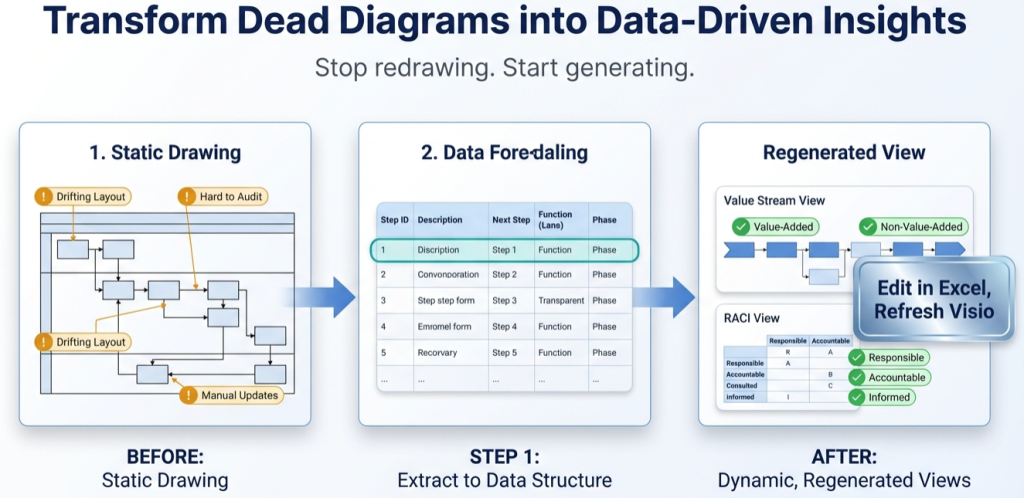
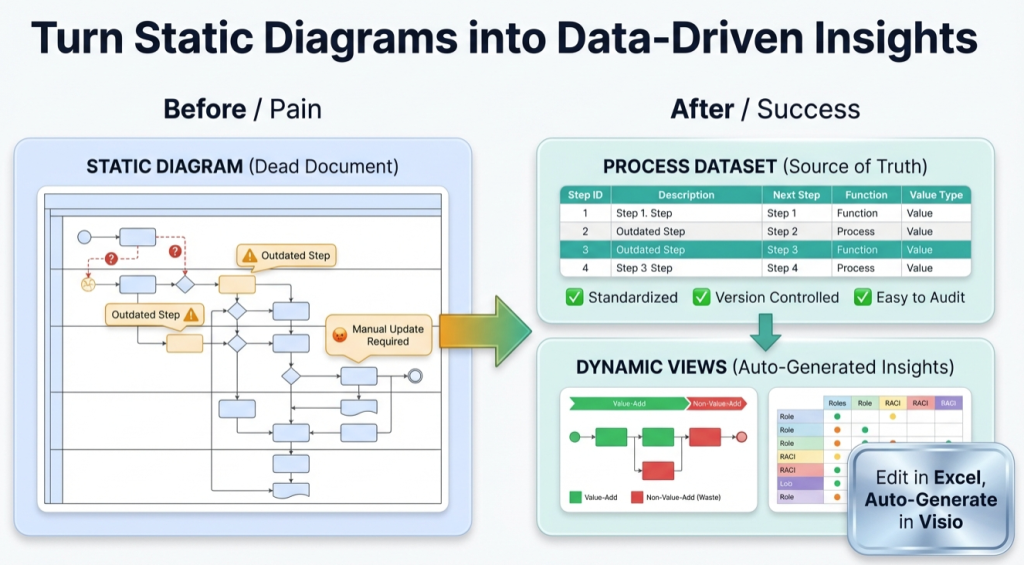
Visio Data Visualizer is strict. The template is not “nice to have” – it is the contract. This walkthrough explains the columns, common failure modes, and a pre-import checklist that keeps refresh cycles stable.
TSV basics – the most common template failure
Data Visualizer expects tab separated values (TSV). A CSV is not the same thing. If commas are used instead of tabs, fields may parse incorrectly and the import can fail.
Shortcut: start from a known-good template file and copy rows into it. Avoid hand-typing headers or building from scratch.
Column walkthrough – what each field does
The dataset format is covered in detail on the dataset format page. This section is the practical interpretation: what breaks, what matters, and what to keep consistent.
| Column | What it controls | Rules that prevent import failures |
|---|---|---|
| Process Step ID | Shape identity | Unique, stable, never reused for a different step. A sortable scheme like 010,020,030 makes inserts easier. |
| Process Step Description | Text inside the shape | Keep it short. Remove line breaks and non-printing characters introduced by copy and paste. |
| Next Step ID | Connectors and flow logic | Every ID referenced here must exist in Process Step ID. Multiple next steps go in 1 cell as comma separated IDs with no spaces. |
| Connector Label | Text on arrows (optional) | Leave blank unless a label is required. For branching, a single label may appear on every outgoing connector. |
| Shape Type | Start, End, Process, Decision, etc. | Use only allowed values. Typos are a common silent killer. |
| Phase | Columns in a phased diagram (optional) | Use only if phases are meaningful. Keep names consistent (avoid Review vs review). |
| Function | Swimlane membership | Required for swimlanes. Standardize lane names early (HR vs Human Resources are different lanes). |
Minimal example – the smallest dataset worth importing
The fastest way to eliminate uncertainty is to import a small dataset first, then scale. Here is a conceptual “minimum viable” dataset shape:
Process Step ID | Description | Next Step ID | Shape Type | Function

010 | Start | 020 | Start | Requester

020 | Submit request | 030 | Process | Requester

030 | Complete? | 040,050 | Decision | Coordinator

040 | End (approved) |  | End | Coordinator

050 | End (rework) |  | End | Requester
Notes: the real file uses tabs, not pipes. The goal here is to show structure: stable IDs and explicit Next Step logic.
Pre-import validation checklist (use every time)
Import failures tend to cluster around a few predictable mistakes. Run this list before importing.
- TSV file (tabs), not CSV (commas)
- No blank lines anywhere in the file
- Header row matches the template exactly
- No duplicate Process Step IDs
- Every Next Step ID exists as a Process Step ID
- End shapes have blank Next Step ID
- Multiple Next Step IDs are comma separated with no spaces
- Shape Type values are valid (no typos)
- No line breaks inside cells
- Function and Phase values are consistent
If an import fails, use the import errors guide to diagnose quickly. For ready-to-run examples, use the cross-functional dataset example.
FAQ
Why is Data Visualizer so strict about formatting?
Because it is an importer. It needs the dataset to be unambiguous so it can reliably generate shapes and connectors. The strictness is what enables refresh cycles and consistent re-rendering.
Can the template be edited in Excel?
Yes, but be careful. Excel can introduce formatting changes and hidden characters. A good workflow is to edit in Excel, then export as TSV and validate using the checklist above.
What is the best way to avoid breaking connectors?
Keep Step IDs stable. Treat them as permanent identifiers. If a step changes description, keep the same ID. If a step is removed, do not reuse the ID for a different step.
Where should swimlane templates live in the site structure?
Swimlane-specific templates and examples should live under the swimlane diagrams hub so internal links and intent stay aligned.