
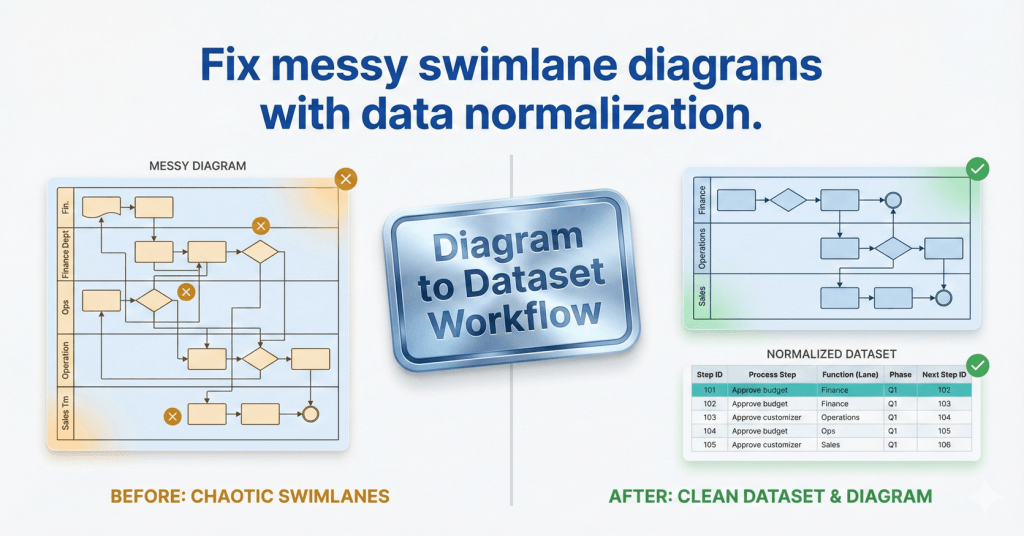
Function column

comparison graphic titled "Fix messy swimlane diagrams with data normalization." The left side shows a chaotic, unorganized cross-functional flowchart marked with amber warning signs, labeled "Before: Chaotic Swimlanes." The right side displays a clean, structured data table and a perfectly aligned flowchart marked with green success checks, labeled "After: Clean Dataset & Diagram." A central metallic badge reads "Diagram to Dataset Workflow.

Swimlanes as Data: Normalize Function Data (Post 2)

Swimlane diagrams break when lane names drift. This guide shows how to normalize Function values with a canonical lane list, alias mapping, and Excel validation so Data Visualizer imports stay predictable and measurable.

Swimlanes as Data: Normalize Function Data (Post 2) Read More »
, , , , , , , , ,
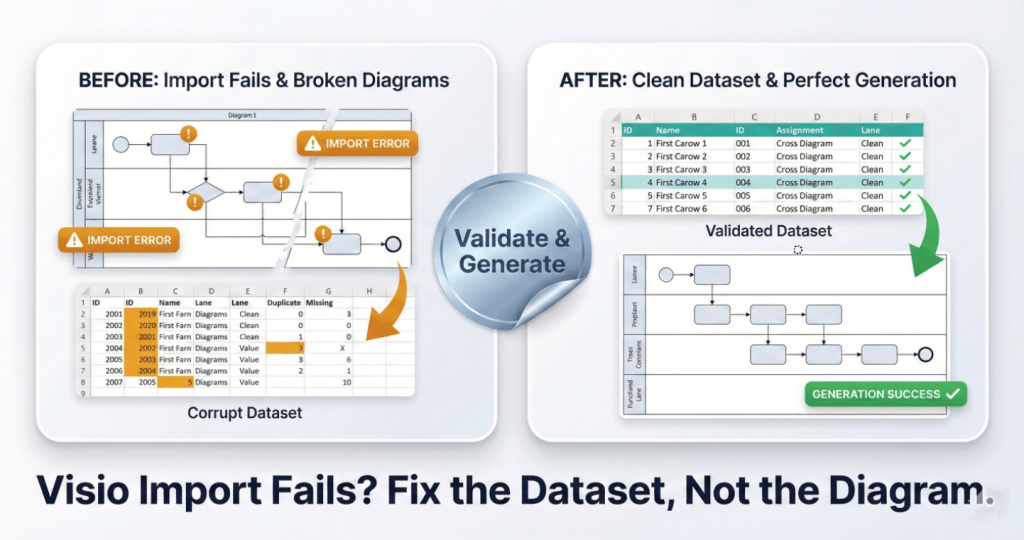
A square split-screen comparison graphic with a premium metallic trading-card finish. The bottom headline reads "Visio Import Fails? Fix the Dataset, Not the Diagram." The left card, labeled "BEFORE: Import Fails & Broken Diagrams," shows a "Corrupt Dataset" table with amber error highlights and a broken, glitchy flowchart diagram marked with "IMPORT ERROR" warning badges. A central shiny silver foil sticker reading "Validate & Generate" acts as a bridge to the right side. The right card, labeled "AFTER: Clean Dataset & Perfect Generation," displays a clean "Validated Dataset" table with green checkmarks and a perfectly generated, organized flowchart labeled "GENERATION SUCCESS."

Swimlanes as Data: The Function Field (Post 1)

In Visio Data Visualizer, swimlanes are not drawn. They are assigned from the Function field in your dataset. This guide shows how to map lanes correctly, keep names clean, and regenerate swimlane views without diagram surgery.

Swimlanes as Data: The Function Field (Post 1) Read More »

, , , , , , , , ,
Scroll to Top





