
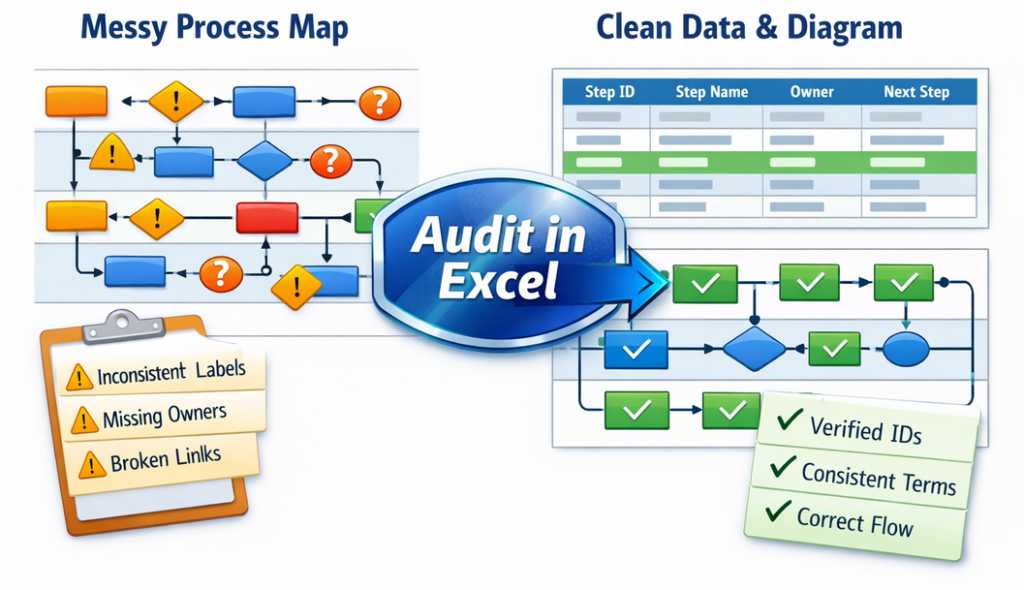
Audit Visio process maps in Excel (without redrawing)
A diagram is hard to audit because it hides structure in shapes and connectors. Once you convert the diagram into a Data Visualizer dataset, you can audit the process like any other dataset: filter it, validate it, version it, and review changes with your team.
Start with Lite (Free) See Standard (Unlimited)

The audit workflow
- Convert the diagram to a dataset (diagram → dataset).
- Audit the dataset in Excel using filters, validation checks, and review columns.
- Regenerate the diagram using Visio’s Data Visualizer template so updates are consistent.
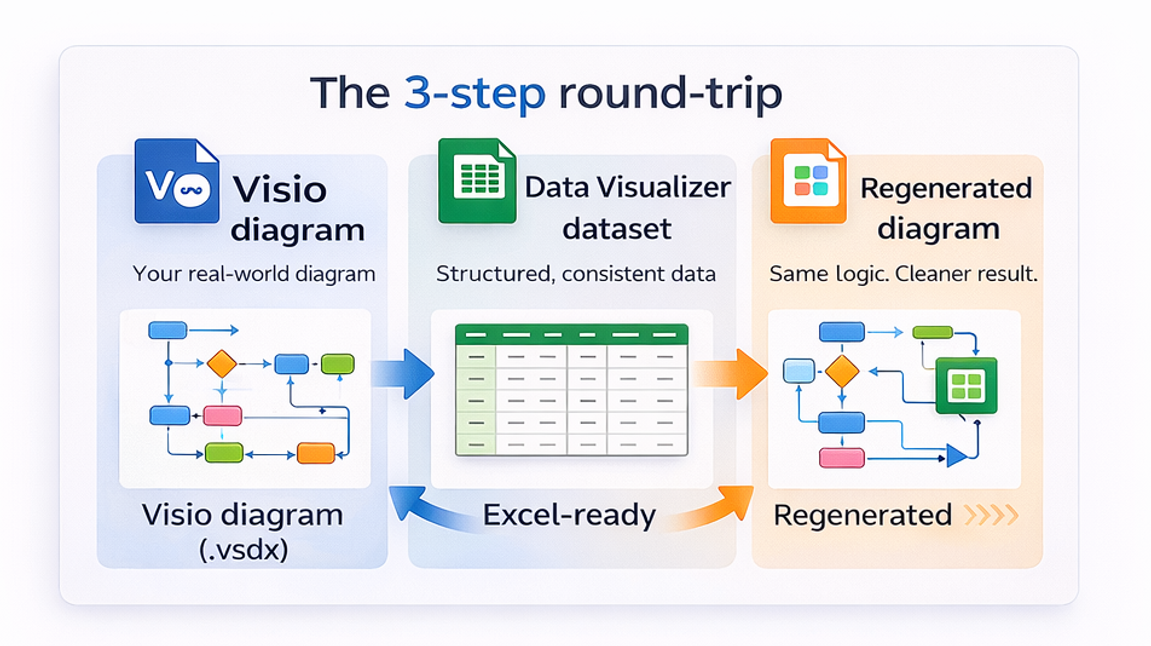
Why this works: Excel is better at structure (IDs, references, consistency) than a drawing. Visio is better at presentation. The dataset lets you use each tool for what it’s best at.
What you can audit (quick checklist)
| Audit goal | What to check in the dataset |
|---|---|
| Completeness | Missing owners, missing phases, orphan steps (no inbound/outbound connections), unlabeled decisions. |
| Consistency | Standardize step text (verb + object + condition), consistent lane/phase naming, consistent shape types. |
| Flow integrity | Every Next Step ID exists, no dead ends (unless intended), loops are intentional and documented. |
| Ownership & handoffs | Count handoffs by lane, identify steps with unclear responsibility, add RACI fields if needed. |
| Optimization targets | High cycle time steps, redundant approvals, duplicate work, steps with unclear decision criteria. |
If you want to turn your audit into multiple “views,” see: Process lenses (RACI, value stream, risk, automation).
FAQ
Why not audit directly in Visio?
Visio is great for visual communication, but audits are faster in a table: unique IDs, references, filters, and validation checks are much easier in Excel.
Do I have to redraw the diagram after auditing?
No. You update the dataset and regenerate/refresh via the Data Visualizer workflow so the diagram stays linked to the data.
What’s the first thing I should audit?
Start with IDs and connections: unique Process Step IDs and valid Next Step IDs. Then standardize lanes/phases and shape types.
Can I use AI in the audit?
Yes — AI works better on the dataset than the drawing. See: AI workflow.
Microsoft, Visio, and Excel are trademarks of Microsoft. This product is an independent tool and is not affiliated with Microsoft.





