
What this does: Export an Excel Data Visualizer dataset from an existing Visio diagram
(diagram → dataset) so you can audit and update the process as data, then regenerate clean diagrams on demand.
This is an independent tool and is not affiliated with Microsoft.
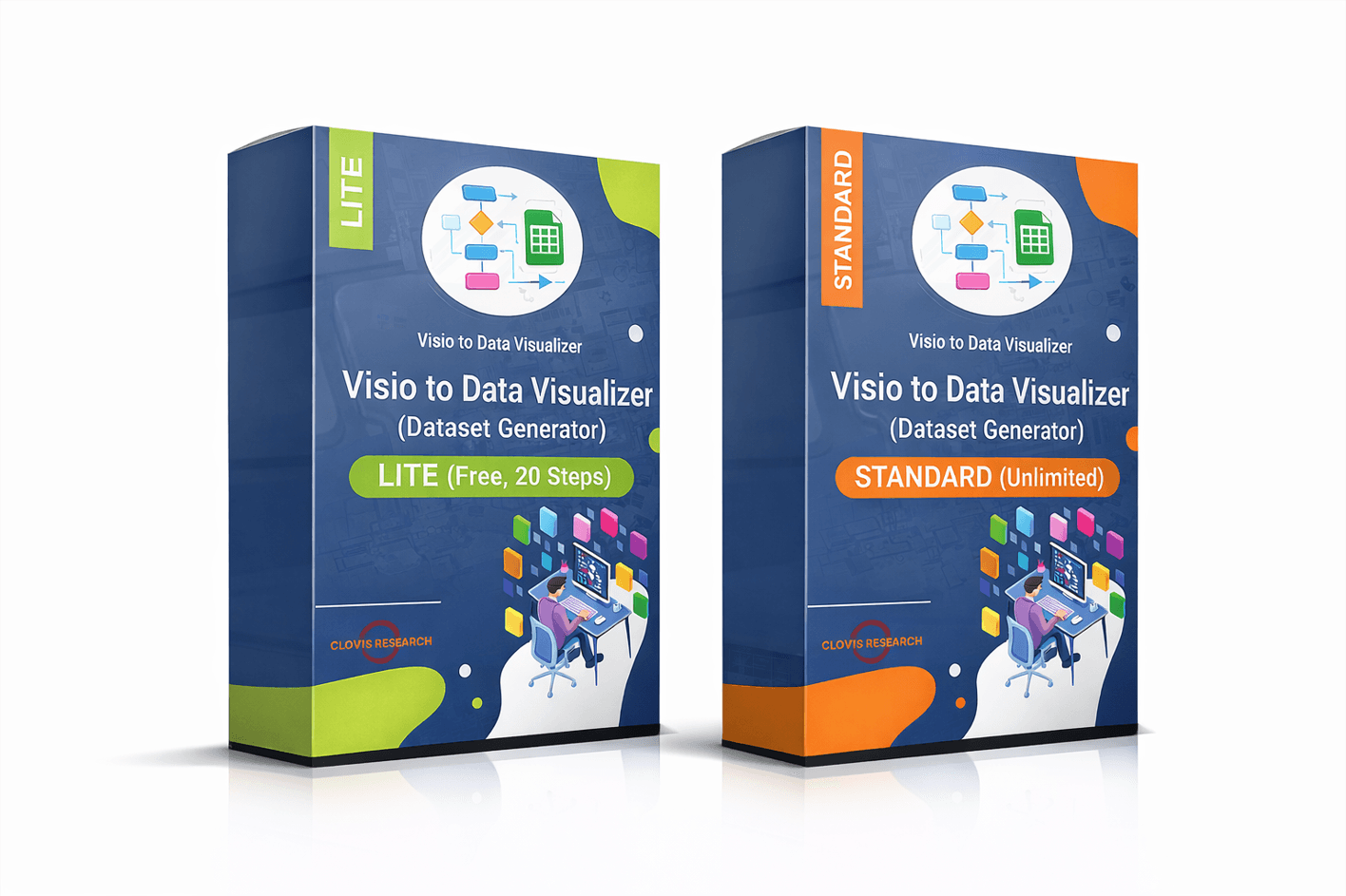
If you maintain Visio swimlane diagrams (cross-functional flowcharts), you already know the pain:
every small process change turns into a layout project.
The goal of this software is simple — make process maintenance cheap again by treating your diagram like data.
Best fit: Visio cross-functional flowcharts (swimlanes + phases) where you want to keep one “source of truth”
and generate multiple stakeholder views (RACI, value stream, risk, automation, systems) without redrawing.
Want to validate first?
Download Lite (Free, 20 steps).
How it works
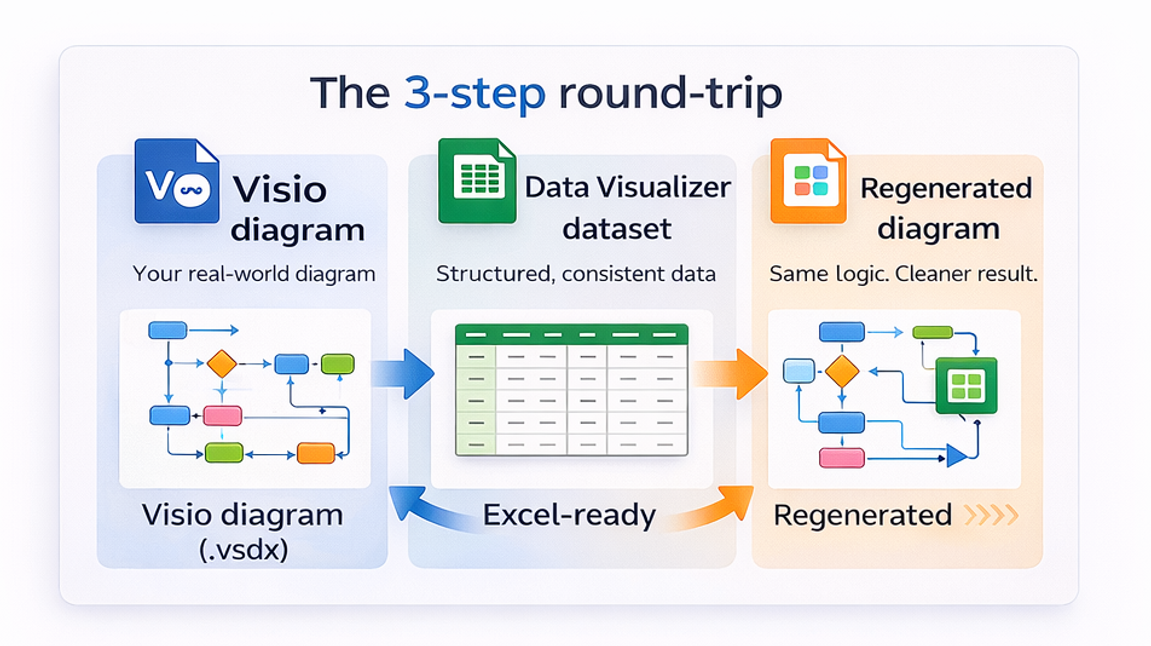
- Select a .vsdx diagram (best fit: swimlane / cross-functional flowchart).
- Export a Data Visualizer-ready dataset (Excel table with IDs, next steps, lanes, phases, etc.).
- Audit & update in Excel (fast checks, standardization, version control).
- Import into Visio Data Visualizer and regenerate the diagram as a clean, linked view.
What you can do once the process is a dataset
- Audit in minutes: duplicates, missing next steps, inconsistent decision labels, orphan steps, loops
- Update without layout fights: edit a row, refresh the diagram
- Standardize language: enforce naming conventions and consistent step phrasing
- Generate multiple views: value stream, RACI, risk & control, automation candidates, systems touchpoints
- AI analysis over structured data: use the dataset for bottleneck and rework prompts
Helpful references:
Dataset format ·
Import troubleshooting ·
Process lenses
Standard vs Lite
Lite is designed to prove the workflow quickly. Standard is for real diagrams and real maintenance.
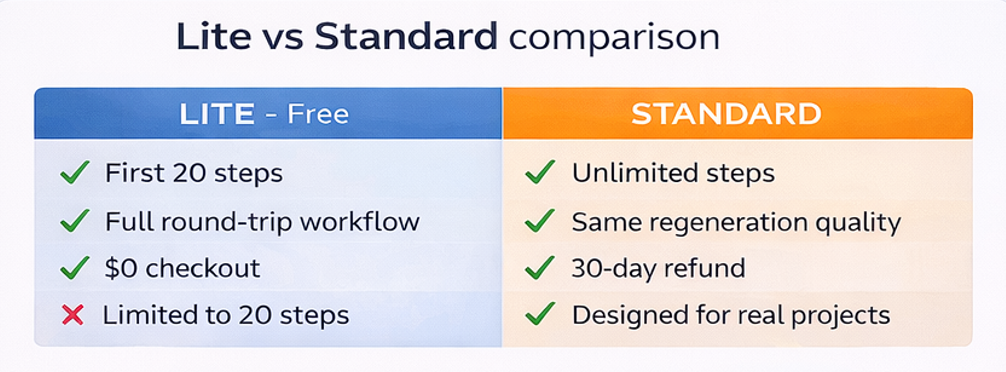
| Feature | Lite | Standard |
|---|---|---|
| Export dataset from Visio diagram | Yes (first 20 steps) | Yes (unlimited) |
| Best for | Proof-of-workflow | Full diagrams + ongoing maintenance |
| Typical outcome | Validate import + format | Audit, update, and generate multiple views |
Download Lite (Free)
Standard details
FAQ
Is this the same thing as the Excel Data Visualizer add-in?
No. It solves the reverse problem. Data Visualizer is usually dataset → diagram. This tool is diagram → dataset.
Do I have to upload diagrams to a cloud service?
No. The generator runs locally on Windows. You control where your files live.
Will this fix my dataset import errors?
It helps by producing cleaner, structured output. If you hit import issues, use this page to debug fast: Import troubleshooting.
What’s the fastest way to see if this will work for my diagram?
Download Lite and export the first 20 steps from a real diagram. If that imports and regenerates cleanly, Standard will scale that workflow to the full file.






Reviews
There are no reviews yet